Find companies like your best customers. Start from a customer you know, or describe who you are looking for in one sentence.
StarFinder reads what each company actually does, from its website, not from its industry code. Select the relevant ones, find the right person and organise your sales work with your team.
Describe, assess, act. Three steps, one platform.
- 1
Describe who you are looking for
One sentence in plain language, or one or more customers to start from. No industry codes, no filters to learn.
- 2
Assess the right companies
For each company you see what it does, from its website: products, services, technologies, people. You save the relevant ones to a list with a tag.
- 3
Take action
The Agent prepares the search and the email; you approve and send. CRM, notes and follow-ups keep the team aligned.
We understand what a company does, not just its code.
Describe who you are looking for in one sentence. No industry codes.
Write what the company has to do, not which category it belongs to: one sentence, the way you would say it to a colleague. StarFinder reads websites and returns the ones that actually do it, with a readable description for every result. Narrow by region, size or revenue when you need to, and hide the companies you have already saved or put in the CRM.
Start from a customer you know. Find the ones doing similar things.
Pick one or more real customers. StarFinder compares what they do, not their sector, and shows the most similar companies with a similarity score. A thumbs up or down moves the list towards what you actually mean, and the companies you want go into a list with a tag, ready for the CRM or a campaign.
An AI colleague that does the research and writes the first email. You approve. It never sends on its own.
The Agent prepares the research and the first email. You approve.
You give it the criteria and it searches, selects the companies one by one and prepares a brief by reading each website. Then it writes the emails, personalised on what it read, and puts them in front of you: you edit them, pick the mailbox and send. It logs the activity in the CRM and schedules the follow-up. Before anything irreversible it asks for confirmation, and it never sends on its own.
From a spreadsheet to orderly teamwork. CRM, notes, workspaces and campaigns, built for small sales teams.
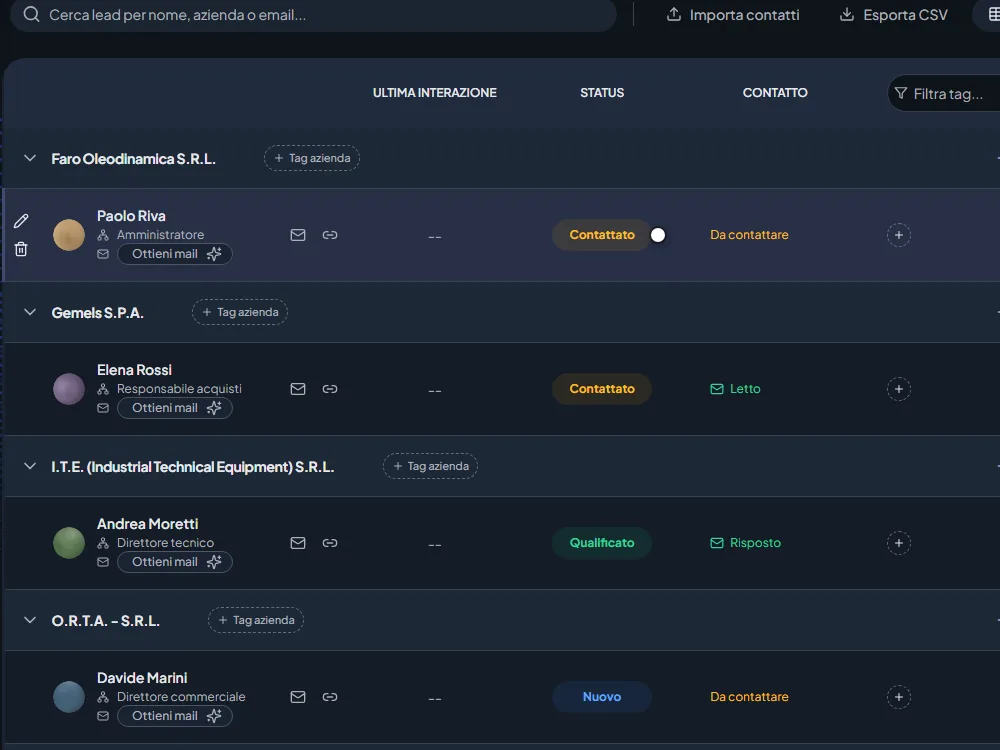
CRM
Column pipeline, status that moves on its own, follow-ups with reminders.
Discover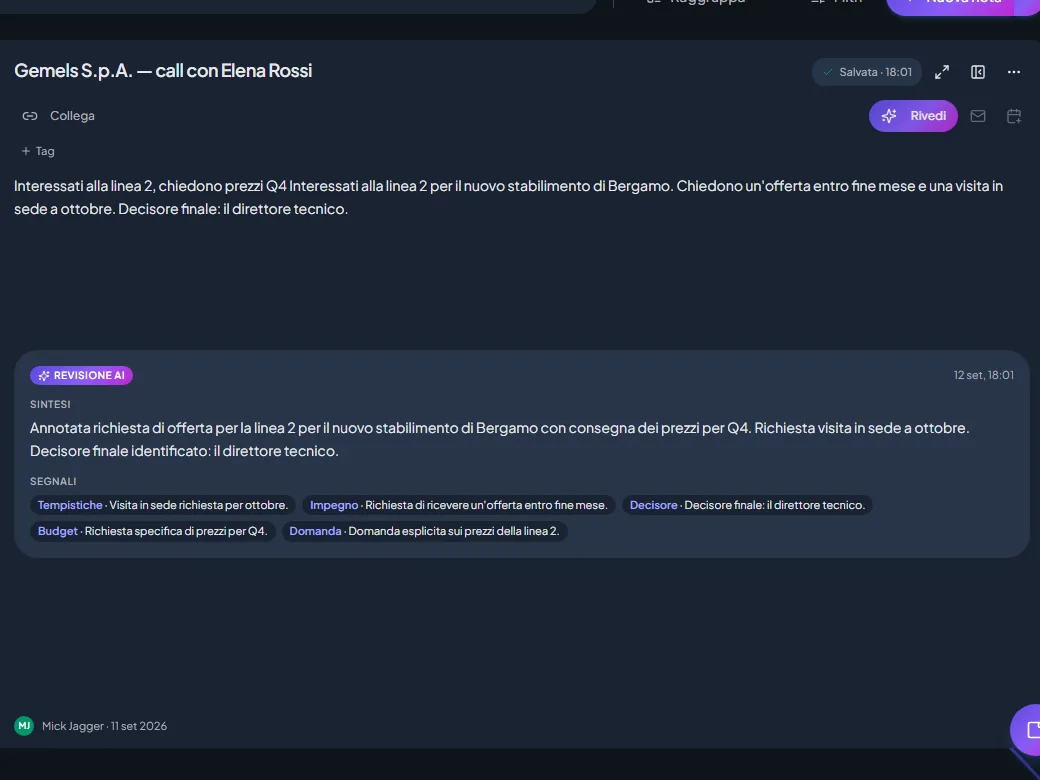
Notes with AI
The AI tidies the note and proposes CRM updates that you confirm one by one. Private notes stay private, from the AI too.
Discover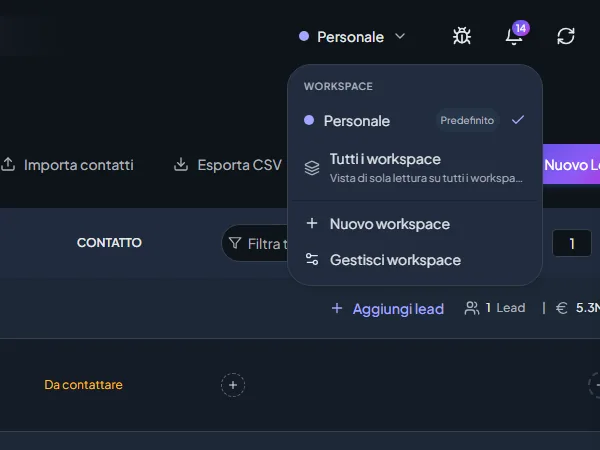
Workspaces
Customers kept apart by segment or by colleague; shared where it helps, private where it does not.
Discover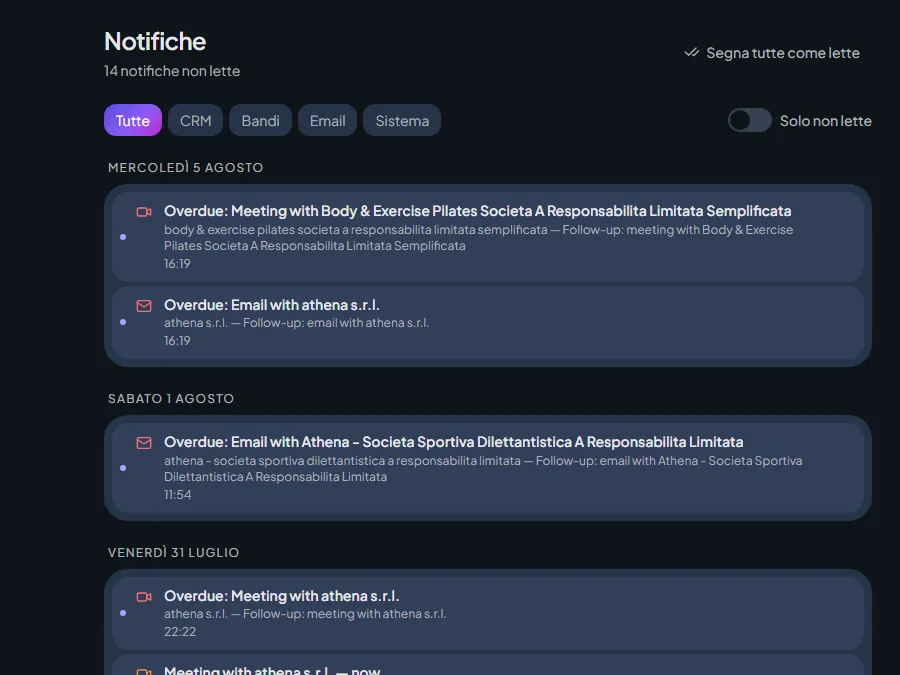
Collaboration
Invites, assigned follow-ups, @mentions: nobody contacts the same company twice.
Discover
The same reading of companies, applied to grants and public tenders.
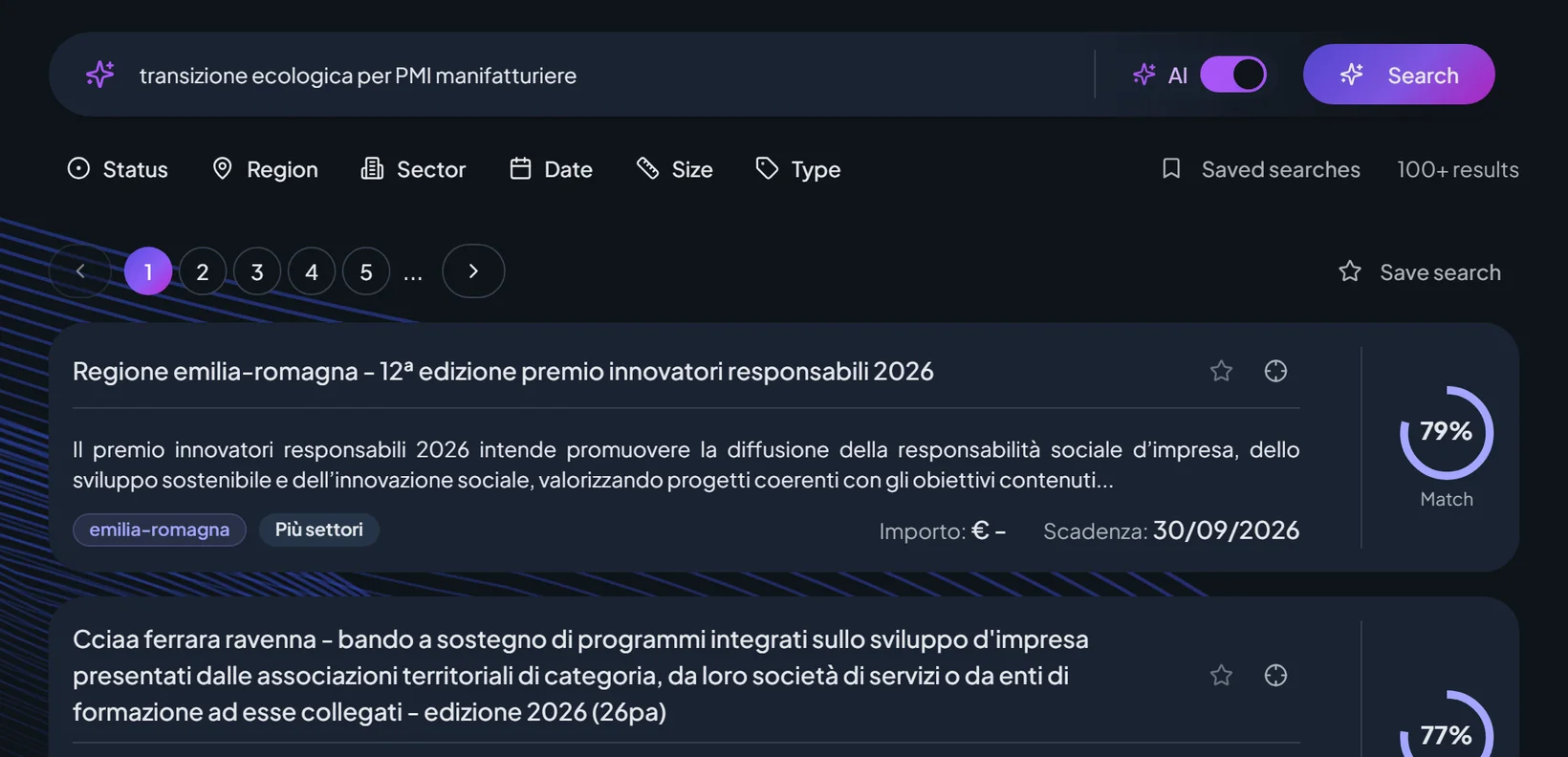
Link your company and receive the grants recommended for what you actually do. On each grant you find the “how to take part” guide, where one is already prepared, and you can put questions to the official documents: the answer comes from there, not from a generic summary. Public tenders sit in the same place, searchable by CIG, with similar and recommended ones. Approaching deadlines arrive as a notification, and a digest by email sums up the new grants.
Start free with 20 credits a month. Pro at €150 a month, or €100 a month billed annually.
See pricingFind your next list of customers today.
Start from a customer you know or from a sentence. In minutes you have a list to work with your team.