Find the right customers, not the ones closest to an ATECO code. StarFinder understands what companies do.
Describe who you are looking for, or start from a customer you know. Every company is read from its own website, and the list you get is ready for your CRM.
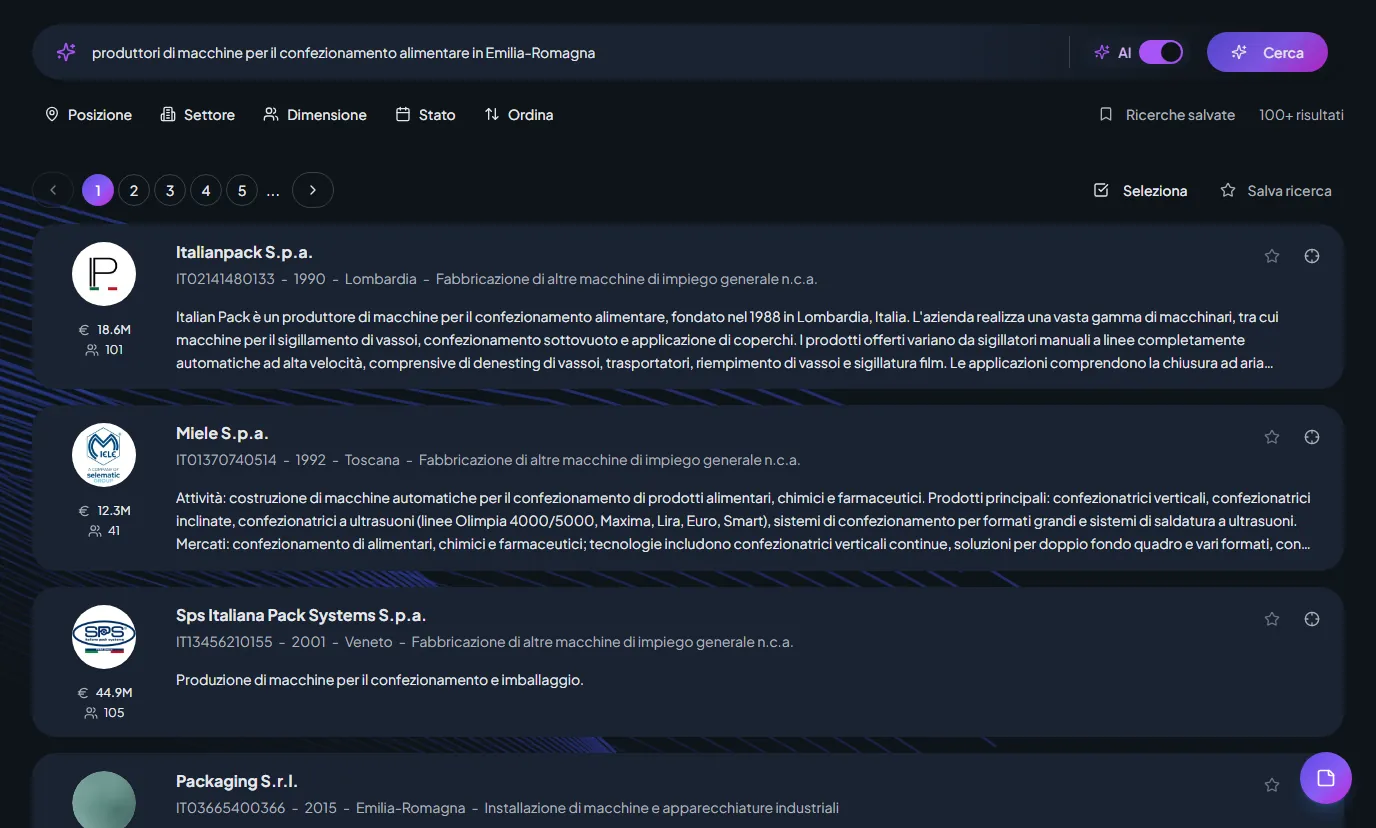
Time is a precious resource.
People who sell to companies spend more time looking for someone to contact than talking to them. StarFinder takes away the slow part: it understands what each company does and puts the right ones in front of you, with the contacts and the context to write straight away.
Describe who you are looking for in one sentence. No ATECO codes.
Write what the company has to do, not which category it belongs to. StarFinder reads the websites and returns the ones that actually do it, with a readable description for every result. Narrow it down by region, size or revenue when you need to.
Start from a customer you know. Find the ones doing similar things.
Pick one or more real customers. StarFinder compares what they do, not their sector, and shows the closest companies with a score. A thumbs up or down moves the list towards what you actually mean.
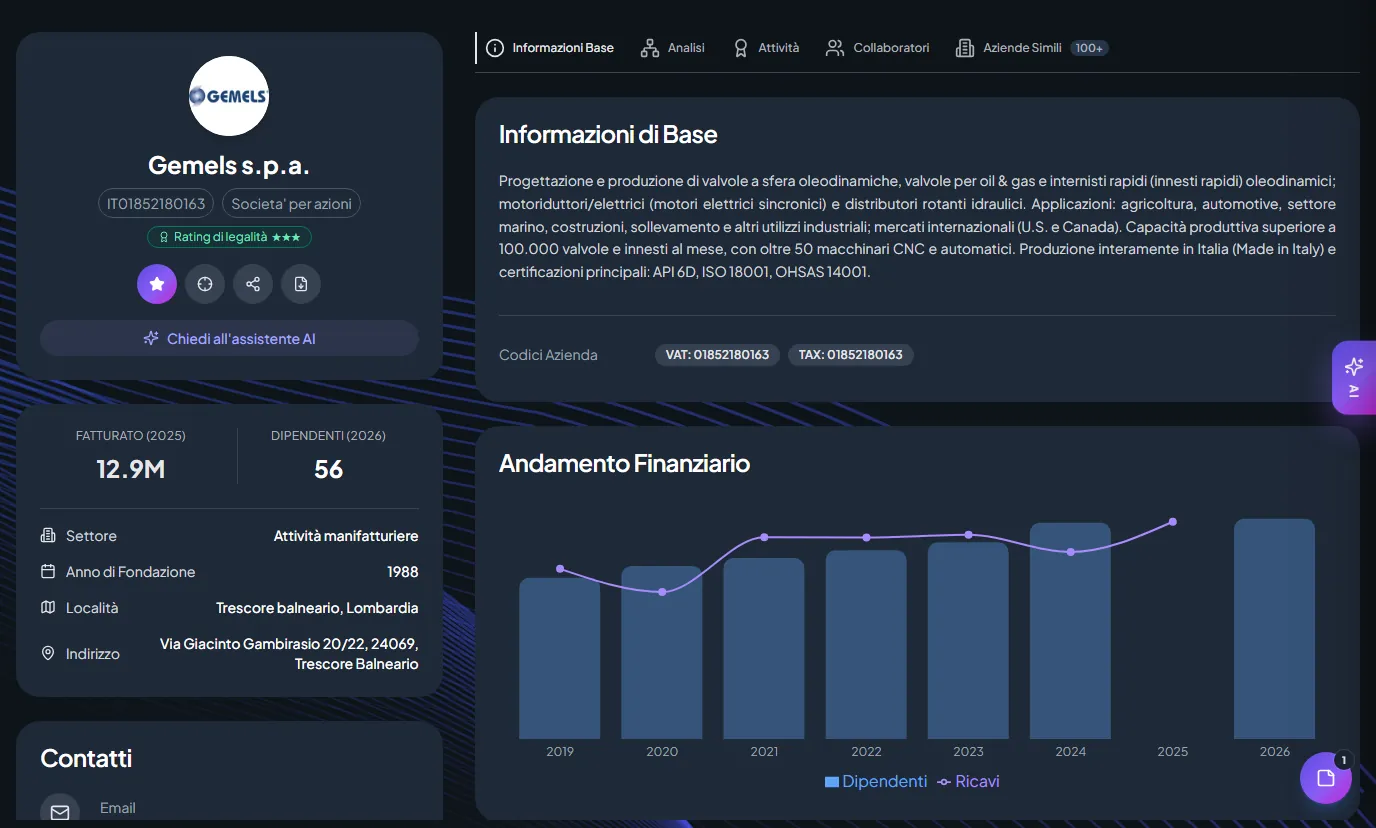
The company profile: what it does, not just who it is.
A description generated from the website, activities, revenue and headcount over the years, address, certified email and contacts on one page. You can ask a question about the company and get an answer based on its own site, not on a generic summary.
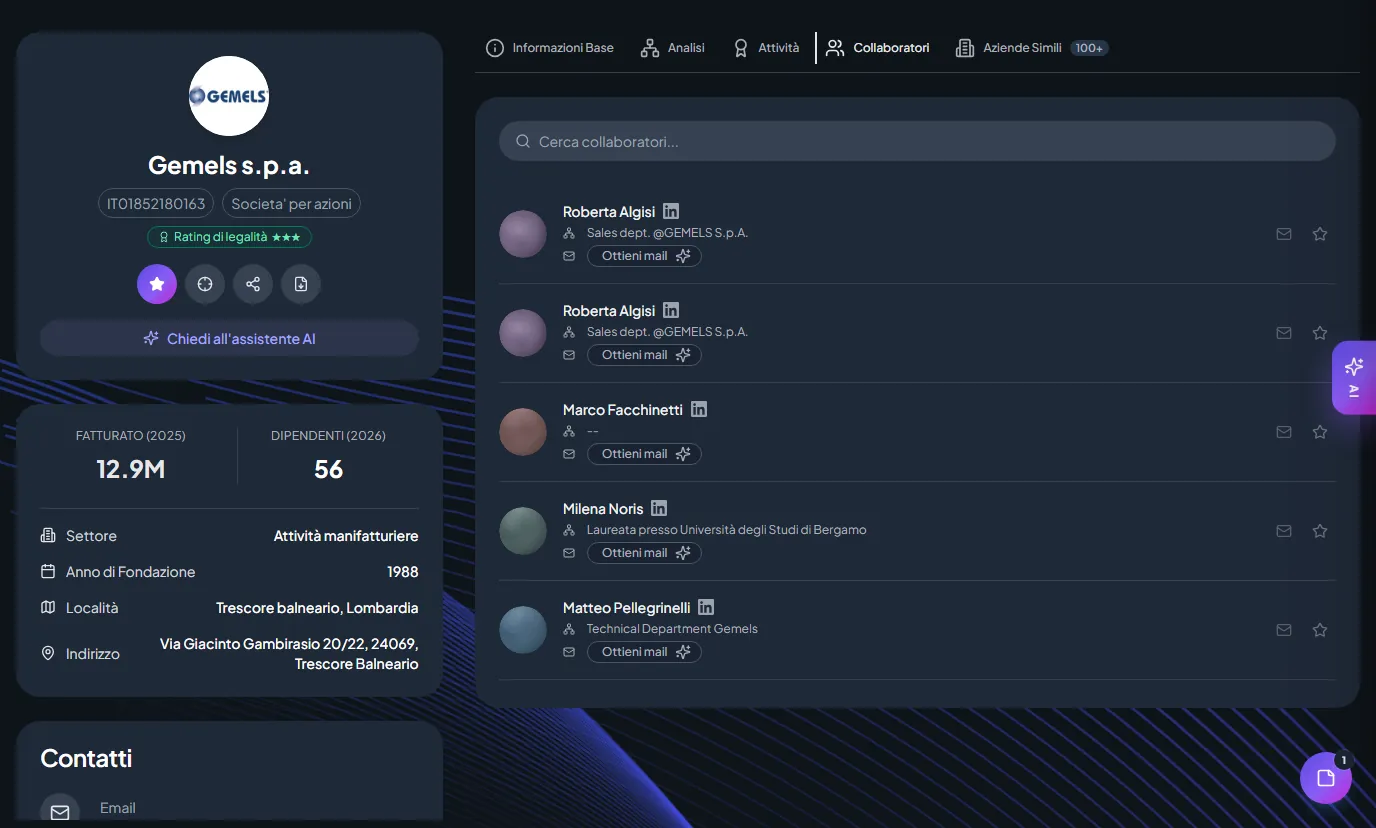
The right people, with the role they hold today.
For every company you see the people and their roles, taken from LinkedIn, along with the company's generic addresses. When you need to write to someone, ask for the email: we find it and verify it on request, one at a time, so you know who you are writing to.
From the search to the list, with no spreadsheet in between.
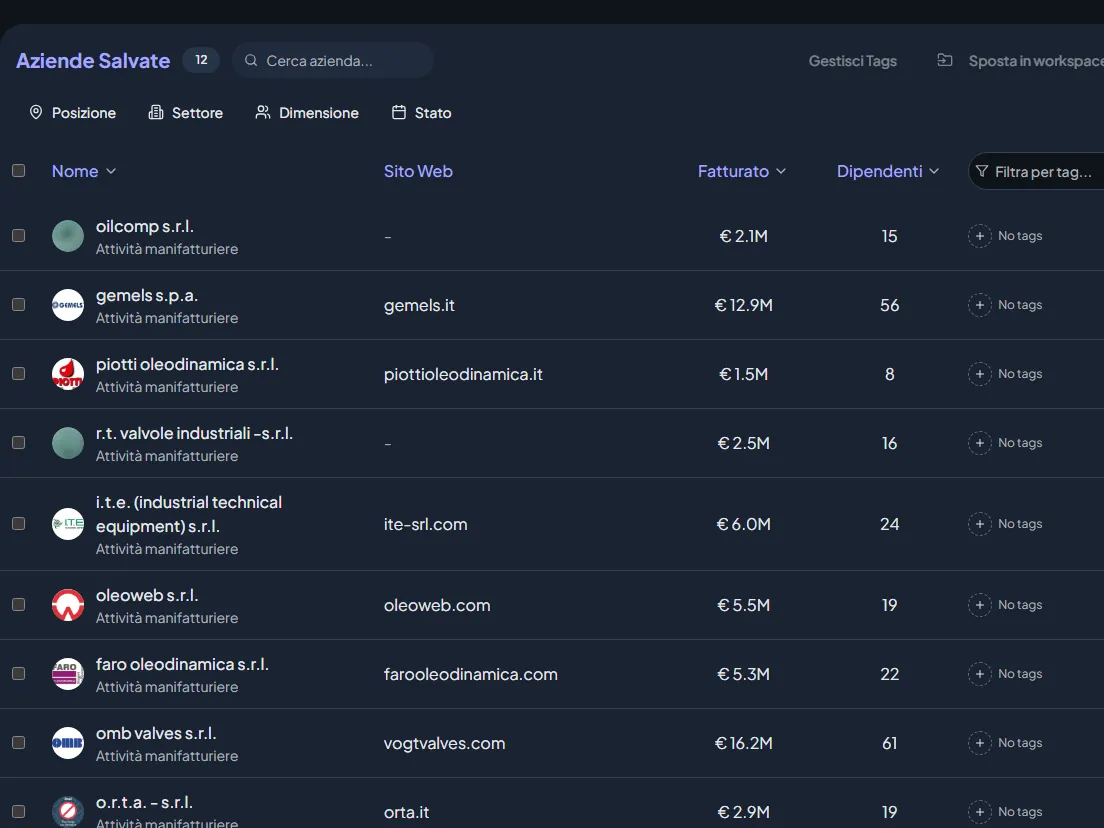
Lists and tags
Save companies to a list with a tag, one by one or in bulk, and see where each one was saved from.
Discover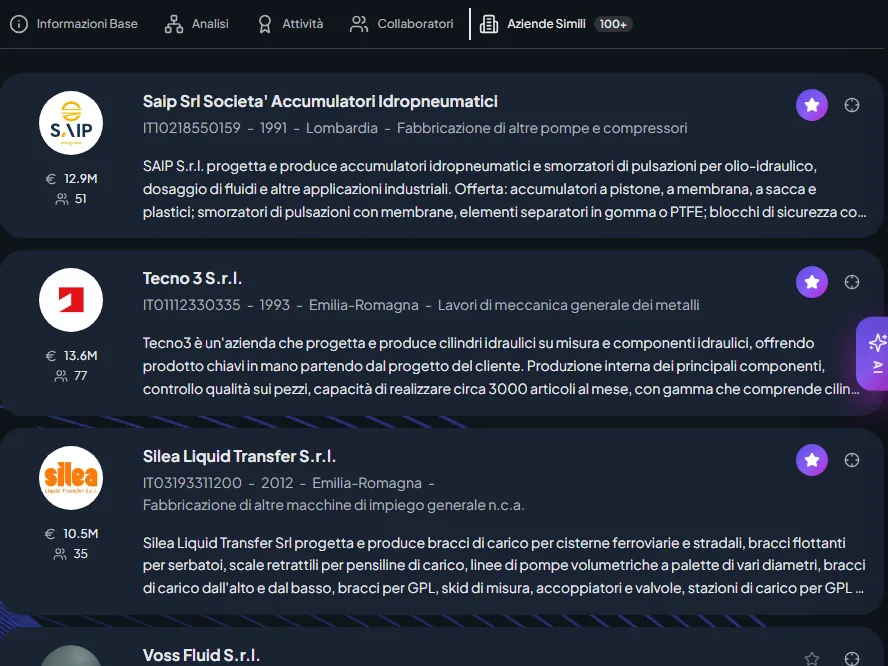
Similar, from the profile
From any company profile, one click away, the companies doing similar things.
Discover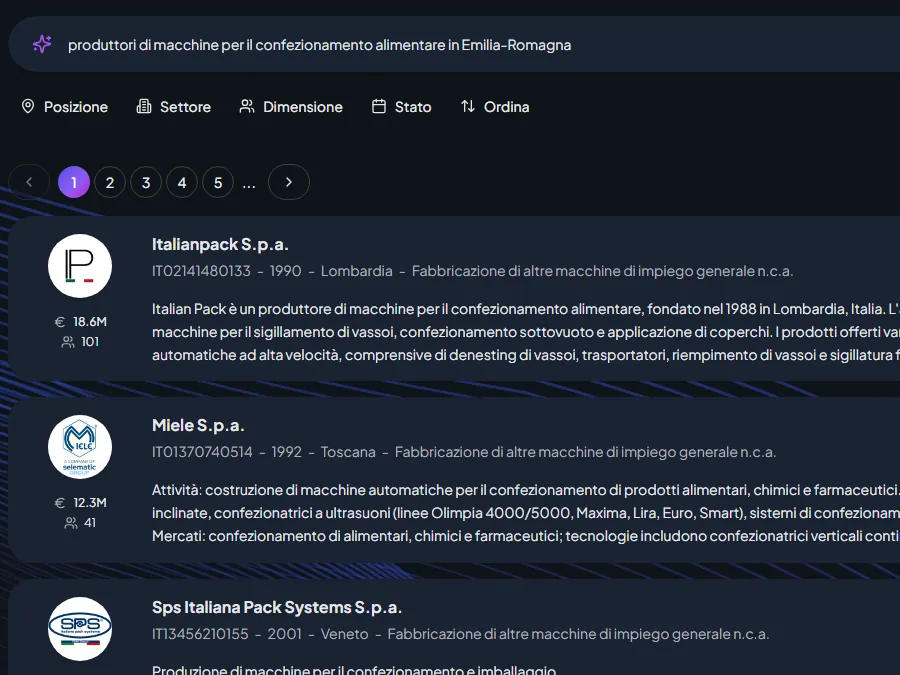
Exclude the ones you have
Hide companies you have already saved or already have in the CRM: you only see what is new.
Discover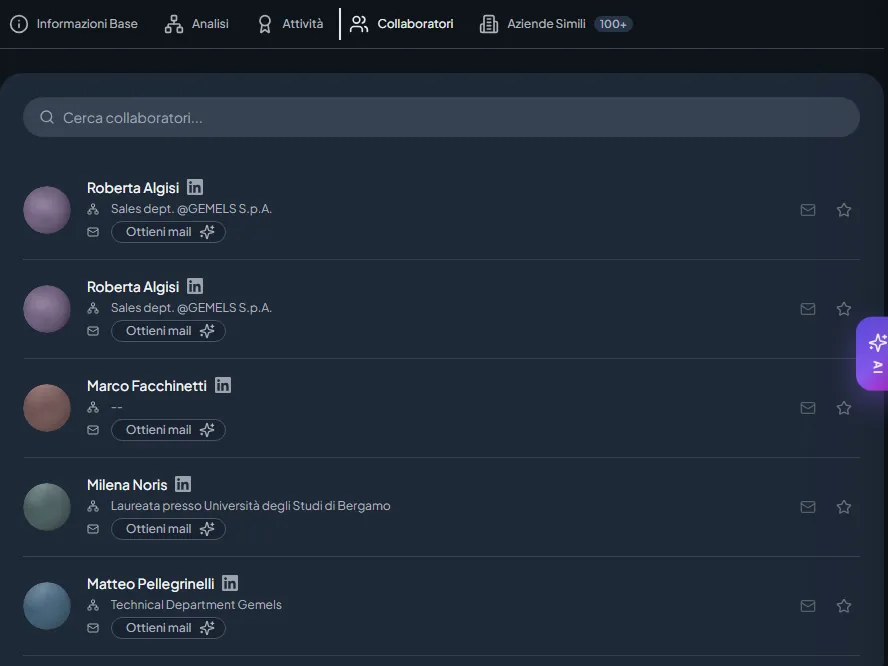
Email on request
Find and verify one person's address when you need it, for one credit.
Discover
Before you search.
Where do the company descriptions come from?
From each company's own website, read and summarised by AI. That is why you find what a company actually does, and not only its sector code.
Does natural-language search cover every company?
It covers the companies whose website we have already read, a set that keeps growing. You can find all the others by name, VAT number and filters.
Are the contacts already verified?
The roles come from LinkedIn. You find and verify the email address yourself, when you need it, one person at a time: you only pay for what you use.
Can I start from more than one customer?
Yes. Pick one or more customers and StarFinder looks for what resembles all of them together; thumbs up and down refine the list.
Find your next list of customers today.
Start from a customer you know, or from a sentence. In a few minutes you have a list to work through with your team.